
AmazingBuyz is reader-supported. When you buy through links on our site, we may earn an affiliate commission at no extra cost to you. Learn more.
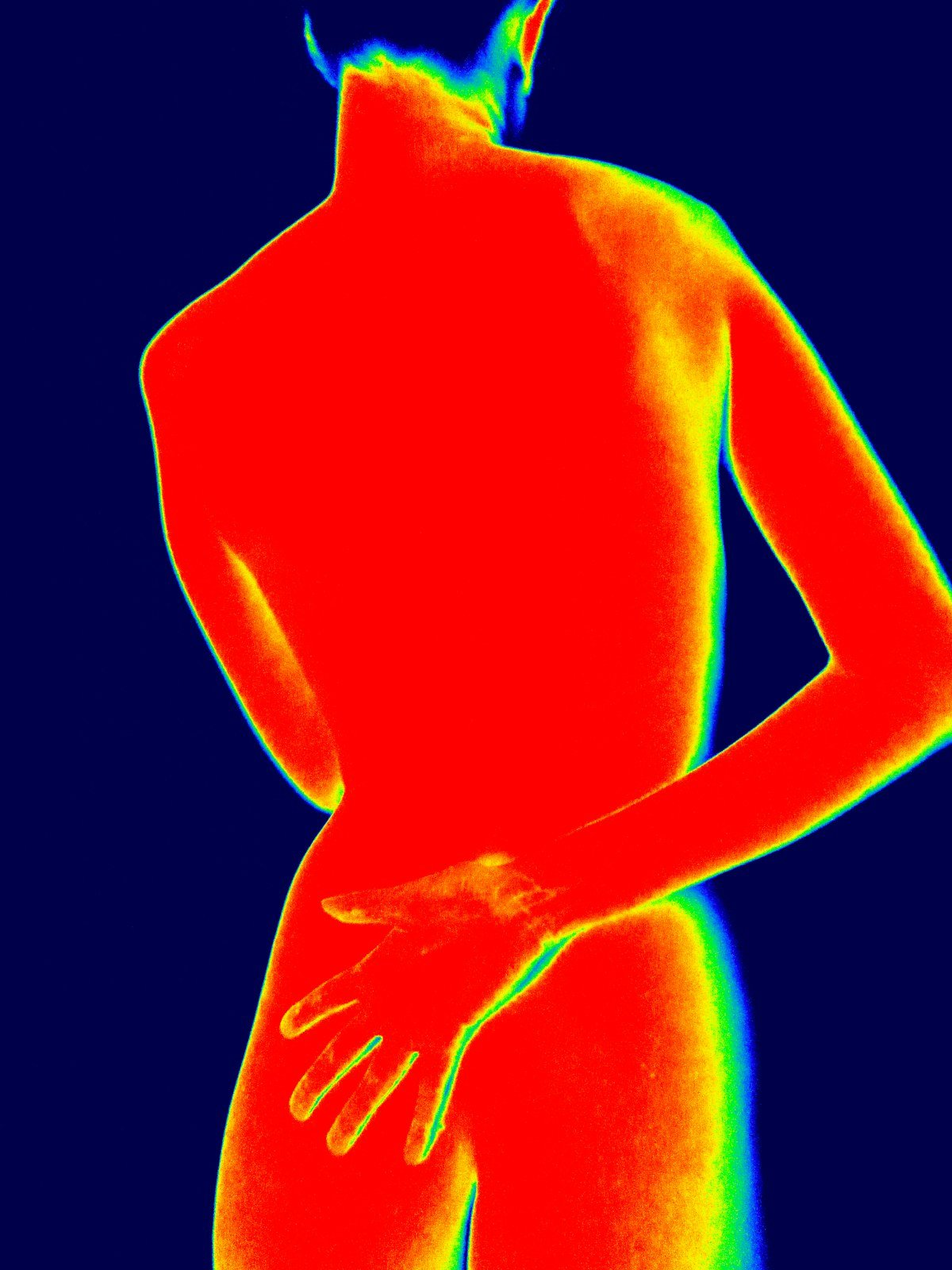
The best thermal imaging cameras turn invisible heat into a picture, so you can spot drafty windows, missing insulation, leaky ducts, wet spots and overheating breakers before winter bills or a service call tell you something is wrong. We compared specs, expert testing and owner reviews to pick eight options, from phone attachments that cost less than an energy audit to professional handhelds HVAC techs and inspectors use for client reports.
Part of our Home Comfort, Backup Power & Tool Guides.
Quick picks
Price ranges: $ under $300, $$ $300-$700, $$$ $700-$1,500, $$$$ $1,500+.
| Product | Best for | Price range | |
|---|---|---|---|
| Topdon TC004 | Best value handheld | $$ | See price |
| Topdon TC002C Duo | Best phone attachment | $ | See price |
| FLIR C5 | Pocket camera with MSX and cloud | $$$ | See price |
| FLIR E8 Pro | Professional inspections | $$$$ | See price |
| FLIR ONE Edge Pro | Wireless phone add-on | $$ | See price |
| InfiRay P2 Pro | Smallest, close-up work | $ | See price |
| Klein Tools TI250 | Quick electrical and HVAC checks | $ | See price |
| Fluke PTi120 | Rugged pocket imager | $$-$$$ | See price |
1. Topdon TC004: Best Value Handheld
The TC004 gives homeowners and techs a standalone camera with 256 x 192 thermal resolution, which is the sweet spot for budget imagers, plus a battery reviewers found lasts most of a working day. It connects to Topdon’s app over Wi-Fi and to PC software over USB, and the current version adds an IP54 rating and drop protection. Reviewers found it simple to pick up and use.
Key specs
- 256 x 192 IR resolution (upscaled to 512 x 384 in software)
- -4 to 662°F range
- Under 40 mK thermal sensitivity
- Wi-Fi app and USB PC software
- Long battery life (about 8.5-12 hours in published figures)
👍 Pros
|
👎 Cons
|
What owners say: Buyers like that it works out of the box without a phone and shows clear hot and cold spots. Minor complaints center on video export and the dim LED.
2. Topdon TC002C Duo: Best Phone Attachment
If you just want to find drafts and cold spots around the house, the TC002C Duo is the cheapest way to get a proper 256 x 192 sensor. It plugs straight into a USB-C iPhone, Android phone or Windows PC with no adapter, weighs about an ounce and refreshes at 25 Hz, so panning along a wall feels smooth. One detailed review called the build quality and image quality excellent for the price.
Key specs
- 256 x 192 IR resolution
- -4 to 1022°F range
- Under 40 mK sensitivity; 25 Hz refresh
- Dual Fusion thermal plus visual mode
- USB-C for iPhone, Android and Windows
👍 Pros
|
👎 Cons
|
What owners say: Owners praise the sharp images and how easily it moves between phones. App quirks are the main gripe.
3. FLIR C5: Best Compact Camera With MSX
FLIR’s pocket-sized C5 has a lower thermal resolution than the Topdons, but its MSX technology etches edges from a 5 MP visual camera onto the thermal image, so it is easy to tell exactly which outlet, joist bay or duct boot is the problem. Wi-Fi uploads to FLIR Ignite cloud make it handy for inspectors who share images with clients.
Key specs
- 160 x 120 IR resolution with MSX
- -4 to 752°F range
- Under 70 mK sensitivity
- Wi-Fi, FLIR Ignite cloud, USB-C
- About 4 hours of battery
👍 Pros
|
👎 Cons
|
What owners say: Users like the FLIR software and MSX clarity. The usual complaint is paying more for fewer pixels than newer budget brands offer.
4. FLIR E8 Pro: Best for Professional Inspections
The E8 Pro is a serious tool for home inspectors, energy auditors and HVAC contractors. Its 320 x 240 sensor and high sensitivity show subtle temperature differences, which matters on mild days when the indoor-outdoor gap is small. A large touchscreen, MSX and Wi-Fi reporting round it out. It is the most expensive camera here by a wide margin.
Key specs
- 320 x 240 IR resolution with MSX
- -4 to 1022°F range
- Under 40 mK sensitivity
- 3.5-inch 640 x 480 touchscreen
- Accuracy of ±2°C or 2%
👍 Pros
|
👎 Cons
|
What owners say: Pros value the detail and report-ready images. For one-time DIY use, most agree the price is hard to justify.
5. FLIR ONE Edge Pro: Best Wireless Phone Add-On
Unlike plug-in dongles, the FLIR ONE Edge Pro connects to your phone over Wi-Fi, so you can hold it into an attic hatch or behind an appliance while watching the image on your phone. It brings FLIR’s MSX edge detail and two temperature ranges. Testers found it effective for finding leaks, though battery life is short.
Key specs
- 160 x 120 IR resolution with MSX
- -4 to 752°F range
- 70 mK sensitivity
- Wireless to iOS or Android
- About 1.5 hours of battery; 5.4 oz
👍 Pros
|
👎 Cons
|
What owners say: Users love the flexibility of shooting into tight spots. Battery life and refresh speed are the common knocks.
6. InfiRay P2 Pro: Best for Close-Up Work
Weighing about a third of an ounce, the P2 Pro is one of the smallest thermal cameras you can buy. Its included magnetic macro lens makes it good for checking outlets, connections and circuit boards up close. It is less useful for scanning a whole wall from across the room.
Key specs
- 256 x 192 IR resolution
- 25 fps refresh
- USB-C (Android; an iPhone version is also sold)
- Magnetic macro lens included
- About 9 g
👍 Pros
|
👎 Cons
|
What owners say: Tinkerers praise the sensor quality for its size. The app is the most frequent complaint.
7. Klein Tools TI250: Best for Quick Electrical and HVAC Checks
Klein built the TI250 for electricians and HVAC techs who need to spot a hot breaker, loose lug or failing motor fast, not produce a detailed report. It is light, drop-protected and rechargeable, with high, low and center readouts and temperature alarms. Resolution is low, so it is a troubleshooting tool rather than an inspection camera.
Key specs
- 120 x 90 IR resolution
- -4 to 752°F range
- Under 60 mK sensitivity; 9 Hz
- Rechargeable; 6.6 ft drop protection
- About 5.5 oz
👍 Pros
|
👎 Cons
|
What owners say: Tradespeople call it practical and affordable for daily troubleshooting. They don’t recommend it for detailed building scans.
8. Fluke PTi120 Pocket Thermal Imager: Most Rugged
The PTi120 brings Fluke’s toughness to a pocket imager, with an IP54 rating, drop protection and Fluke Connect support for tagging equipment and tracking readings over time. It suits techs who already use Fluke meters. Like the Klein, its resolution is modest for the price.
Key specs
- 120 x 90 radiometric IR resolution
- -4 to 752°F range
- 60 mK sensitivity; 9 Hz
- IP54, 1 m drop rating
- Fluke Connect app support
👍 Pros
|
👎 Cons
|
What owners say: Fluke users like that it fits their existing workflow and survives job sites. Value-minded buyers point to cheaper cameras with more pixels.
How to choose a thermal imaging camera
- Native IR resolution. 120 x 90 to 160 x 120 is entry level, 256 x 192 is the budget sweet spot, and 320 x 240 and up is professional. Compare native numbers, not “super resolution” upscaled figures.
- Thermal sensitivity (NETD). Lower is better. Cameras in the 40-70 mK range show subtle differences, which helps on days when inside and outside temperatures are close.
- Visual blending. MSX, fusion and picture-in-picture overlay visible detail, so you know exactly where the problem is and get clearer photos for a contractor or client.
- Temperature range. About 752°F is plenty for homes, HVAC and electrical panels. Higher ranges matter mainly for industrial work.
- Form factor and battery. Phone attachments are cheapest but tie up your phone; handhelds have their own screen and run roughly 4-12 hours.
- Reporting and storage. Pros should look at Wi-Fi, cloud apps, PC software and memory card support.
- Durability. IP54 and drop ratings matter if the camera lives in a tool bag.
Installer tip from our team: When chasing duct leaks or cold rooms, run the system for a while first so the ducts are clearly warmer (or cooler) than the surrounding framing, then scan supply registers, boots and accessible duct joints. The temperature contrast makes leaks and poorly insulated runs much easier to see.
FAQ
Can a thermal camera see through walls?
No. It only reads surface temperatures. Studs, pipes, ducts, missing insulation and moisture show up when they change the temperature of the wall surface, which is why thermal cameras are so useful for finding them.
What weather is best for finding drafts and insulation gaps?
You need a temperature difference between inside and outside. Fluke, citing ASTM standards, recommends at least 3°F for air-leak scans and about 18°F for insulation scans. Cold winter days are ideal; avoid sun-heated walls and windy conditions, and running exhaust fans can make air leaks stand out.
How accurate are thermal cameras?
Typical published accuracy is about ±2°C or 2% on better models and ±3°C on many pocket models. For home use, the pattern of hot and cold spots usually matters more than the exact number.
Should I get a phone attachment or a handheld?
Phone attachments are cheaper and fine for a DIY energy check. Handhelds have their own screen, a better grip, longer battery life and reporting features, so they suit frequent or professional use.
Related guides
- Best clamp meters for HVAC
- Best smart thermostats
- Best DIY mini-split systems
- Best space heaters
- Home Comfort, Backup Power & Tool Guides
Sources
Bob Vila: Best Thermal Cameras; Outdoor Life: Best Thermal Cameras; Pro Tool Reviews: Klein TI250; Notebookcheck: Topdon TC002C Duo review; Android Central: InfiRay P2 Pro review; The Gadgeteer: Topdon TC004 review; Teledyne FLIR C5; Fluke: Energy auditing with thermal imagers. Owner feedback is summarized in our own words from public reviews. Photos courtesy of Unsplash.