
AmazingBuyz is reader-supported. When you buy through links on our site, we may earn an affiliate commission at no extra cost to you. Learn more.
If you have dead zones in the bedroom, a slow signal in the basement office or a doorbell camera that keeps dropping offline, the best mesh WiFi system can fix it by blanketing your home with one seamless network. Wi-Fi 7 kits are now widely available at several price points, while proven Wi-Fi 6 and 6E packs have dropped in price. We compared specs, expert testing and owner reviews to pick nine systems for every home size and budget.
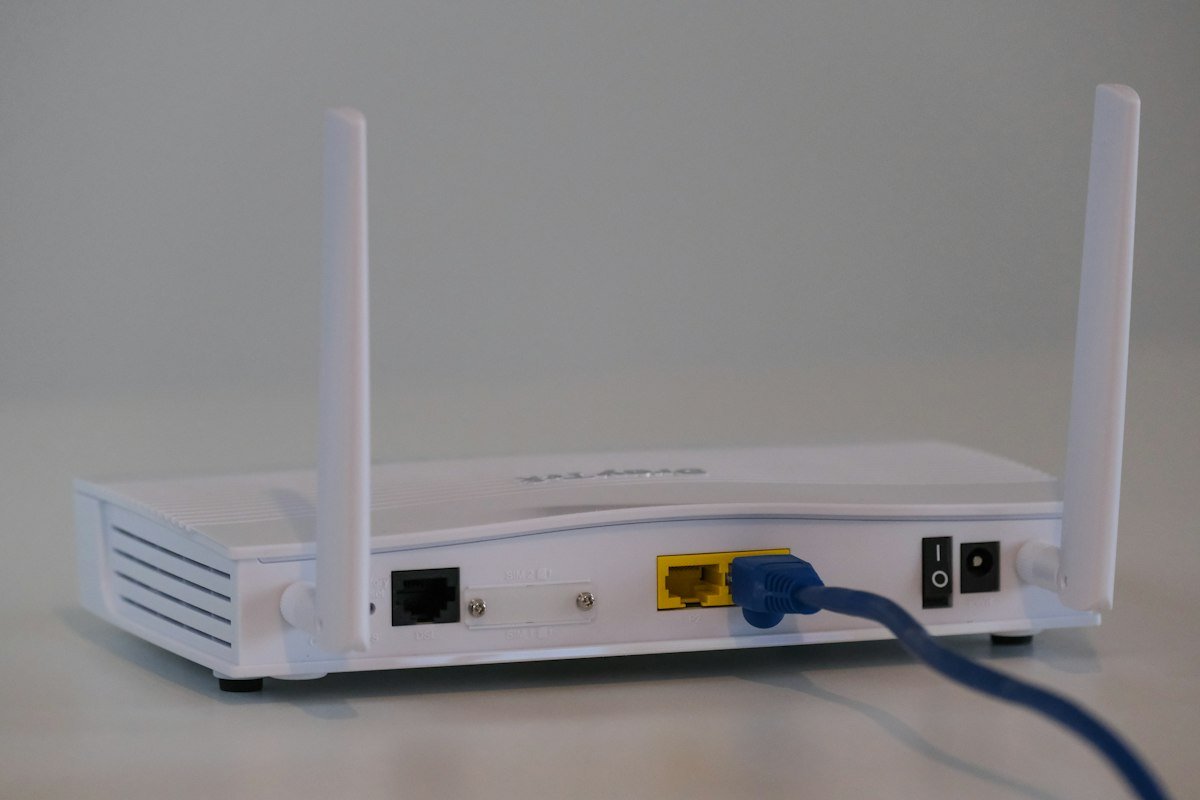
Quick picks
Price ranges for the pack size listed: $ under $200, $$ $200 to $500, $$$ over $500.
| Product | Best for | Price range | |
|---|---|---|---|
| TP-Link Deco BE63 (3-pack) | Best overall value Wi-Fi 7 | $$ | See price |
| Amazon eero Pro 7 (3-pack) | Easiest premium setup | $$$ | See price |
| Netgear Orbi 770 (3-pack) | Large homes | $$$ | See price |
| Amazon eero Max 7 | Multi-gig fiber plans | $$$ | See price |
| ASUS ZenWiFi BT10 (2-pack) | Power users, no subscription | $$$ | See price |
| Amazon eero 7 (3-pack) | Simple, affordable Wi-Fi 7 | $$ | See price |
| Netgear Orbi 370 (3-pack) | Budget Wi-Fi 7 Orbi | $$ | See price |
| TP-Link Deco XE75 (3-pack) | Best budget tri-band | $ | See price |
| TP-Link Deco X55 (3-pack) | Lowest cost whole-home WiFi | $ | See price |
1. TP-Link Deco BE63: Best Mesh WiFi System for Most Homes
The Deco BE63 (sold as the BE10000) delivers tri-band Wi-Fi 7 with a 6 GHz band and four 2.5-gigabit Ethernet ports on every unit, at a price well below most rivals. TechRadar and ModemGuides both name it their top overall pick. The three-pack is rated to cover up to about 7,600 square feet.
Key specs
- Wi-Fi 7, tri-band (2.4/5/6 GHz)
- Up to about 7,600 sq ft (3-pack)
- Four 2.5G Ethernet ports plus USB 3.0 per unit
- Basic parental controls free; HomeShield Pro is an optional subscription
👍 Pros
|
👎 Cons
|
What owners say: Owners report strong whole-home coverage and an easy app setup; the push toward paid security features is the common gripe.
2. Amazon eero Pro 7: Best Premium Pick for Easy Setup
Tom’s Guide calls the eero Pro 7 likely the best Wi-Fi 7 eero for most people. Each compact tri-band unit has two 5-gigabit ports, supports internet plans up to 5 Gbps and covers roughly 2,000 square feet. The eero app remains one of the simplest to set up and manage.
Key specs
- Wi-Fi 7, tri-band (2.4/5/6 GHz)
- About 2,000 sq ft per unit
- Two 5 Gbps Ethernet ports per unit
- Built-in Thread, Zigbee and Matter smart home support; eero Plus optional
👍 Pros
|
👎 Cons
|
What owners say: Owners praise the minutes-long setup and reliable roaming; people with many wired devices often add a switch.
3. Netgear Orbi 770: Best for Large Homes
The Orbi 770 three-pack is rated to cover up to 8,000 square feet, the most of any kit here, and expert reviews highlight its strong mid- and long-range performance. Every port is 2.5 gigabits, including the WAN port.
Key specs
- Wi-Fi 7, tri-band (BE11000)
- Up to 8,000 sq ft (3-pack); 5,500 sq ft (2-pack)
- 2.5G WAN and 2.5G LAN ports
- Netgear Armor security is an optional subscription after a trial
👍 Pros
|
👎 Cons
|
What owners say: Owners of big and multi-story homes like the reach; the upsell for Armor and the simplified app frustrate some.
4. Amazon eero Max 7: Best for Multi-Gig Fiber
If you pay for 2-gig or faster fiber, the eero Max 7 is built for it. Each unit has two 10-gigabit and two 2.5-gigabit ports, supports plans up to 9.4 Gbps and covers up to 2,500 square feet. It is the most expensive system here and uses more power than smaller units.
Key specs
- Wi-Fi 7, tri-band
- Up to 2,500 sq ft per unit
- Two 10 GbE and two 2.5 GbE ports per unit
- Built-in Thread, Zigbee and Matter support
👍 Pros
|
👎 Cons
|
What owners say: Fiber subscribers say it finally delivers their full speeds; most others say it is far more than they need.
5. ASUS ZenWiFi BT10: Best for Power Users
ASUS includes its full security suite, parental controls and VPN features with no subscription, and the BT10 two-pack covers up to 6,000 square feet. Two 10G ports per unit allow multi-gig wired backhaul, and the deep settings appeal to tinkerers.
Key specs
- Wi-Fi 7, tri-band (BE18000) with 6 GHz
- Up to 6,000 sq ft (2-pack)
- Two 10G ports per unit
- AiProtection Pro security included free; works with ASUS AiMesh
👍 Pros
|
👎 Cons
|
What owners say: Enthusiasts value the control and free security tools; less technical buyers find the options overwhelming.
6. Amazon eero 7: Best Simple Wi-Fi 7
The eero 7 brings Wi-Fi 7 and eero’s easy app to a lower price. It is dual-band, so it skips the 6 GHz band, but two 2.5G ports per unit and plan support up to 2.5 Gbps cover most households. The three-pack is rated for about 6,000 square feet.
Key specs
- Wi-Fi 7, dual-band (2.4/5 GHz)
- About 2,000 sq ft per unit
- Two 2.5 GbE ports per unit
- Built-in Thread, Zigbee and Matter support
👍 Pros
|
👎 Cons
|
What owners say: Owners upgrading from older eeros notice more consistent speeds; tech-savvy buyers miss the 6 GHz band.
7. Netgear Orbi 370: Best Budget Wi-Fi 7 Orbi
The Orbi 370 is Netgear’s most affordable Wi-Fi 7 kit and a Tom’s Guide Editor’s Choice. It is dual-band with a 2.5G WAN port and is rated for about 6,000 square feet as a three-pack, though Tom’s Guide found real coverage depends heavily on your home’s layout.
Key specs
- Wi-Fi 7, dual-band (BE3600)
- About 6,000 sq ft (3-pack)
- 2.5G WAN port
- Armor and parental controls are paid add-ons
👍 Pros
|
👎 Cons
|
What owners say: Buyers like the price and setup; heavy-use households report slowdowns when lots of devices are active.
8. TP-Link Deco XE75: Best Budget Tri-Band
The Deco XE75 is one of the cheapest ways to get a tri-band system with a 6 GHz band. Its three-pack is rated for up to 7,200 square feet, making it a strong value for large homes on gigabit-or-slower internet plans.
Key specs
- Wi-Fi 6E, tri-band (AXE5400)
- Up to 7,200 sq ft (3-pack)
- Gigabit Ethernet ports
- Basic parental controls free
👍 Pros
|
👎 Cons
|
What owners say: Owners call it a big upgrade over ISP routers for the money; multi-gig subscribers outgrow it.
9. TP-Link Deco X55: Best for Tight Budgets
For a smaller budget and internet plans of 1 Gbps or less, the Deco X55 three-pack is hard to beat. It is dual-band Wi-Fi 6, rated for up to 6,500 square feet, and has three gigabit ports per unit with support for wired Ethernet backhaul.
Key specs
- Wi-Fi 6, dual-band (AX3000)
- Up to 6,500 sq ft (3-pack)
- Three gigabit Ethernet ports per unit
- Ethernet backhaul supported
👍 Pros
|
👎 Cons
|
What owners say: Budget buyers say it erased dead zones for little money; power users notice limits with many devices.
How to choose a mesh WiFi system
- Match your internet plan. For plans up to 1 Gbps, Wi-Fi 6 or 6E with gigabit ports is fine. For multi-gig fiber, look for 2.5G, 5G or 10G ports and Wi-Fi 7.
- Dual-band vs tri-band. Tri-band systems add a 6 GHz band that can carry backhaul traffic or serve newer devices, which helps busy homes.
- Number of nodes. A three-pack suits most homes. Rated coverage is a best case; thick walls, floors and long, narrow layouts cut real coverage.
- Wired backhaul. If you can run Ethernet between nodes, do it. It frees the wireless bands for your devices, especially on dual-band systems.
- Subscriptions. eero, Netgear and TP-Link charge for some security and parental-control features; ASUS includes them.
- Smart home support. eero units double as Thread, Zigbee and Matter hubs, which can replace a separate hub.
FAQ
Is a mesh system better than a WiFi extender?
Usually, yes. An extender repeats your signal and often creates a separate network, while mesh nodes share one network name and hand devices off to the closest node automatically. For very small apartments, a single good router may be enough.
Is Wi-Fi 7 worth it?
It is most worthwhile if you have an internet plan faster than 1 Gbps, newer Wi-Fi 7 devices, or a busy home with many connected gadgets. Experts disagree on whether average households need it yet, and a good Wi-Fi 6 or 6E system still serves gigabit plans well.
How many mesh nodes do I need?
Most homes are well served by a three-pack. Smaller single-floor homes may need two, while large or multi-story homes with dense walls may need a fourth node.
Do I still need a modem with mesh WiFi?
Yes. A mesh system replaces your router, not your modem or fiber terminal. Many people put the ISP gateway into bridge mode and let the mesh system handle WiFi.
Related guides
Sources
We compared testing and specs from TechRadar, ModemGuides, BroadbandNow, Tom’s Guide, eero and Netgear. Owner feedback is summarized in our own words from public reviews. Photos courtesy of Unsplash.